View
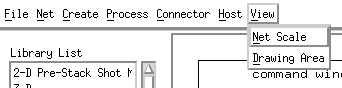
Net Scale: selecting this will cause a dialog box to appear asking for a scale factor to be entered.
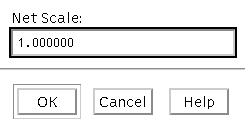
The user enters a value less than one to decrease the size of objects in the draw area or greater than one to increase the size. The redraw is done when the user clicks on "OK" or hits the "Return" key. Reducing the scale is very helpful when working with large nets but reducing things too much renders the labels on the process boxes illegible. It also makes it very difficult to detect the Connector Sensitive Zones on the very small icons.
